Worksheet Crafter User Manual
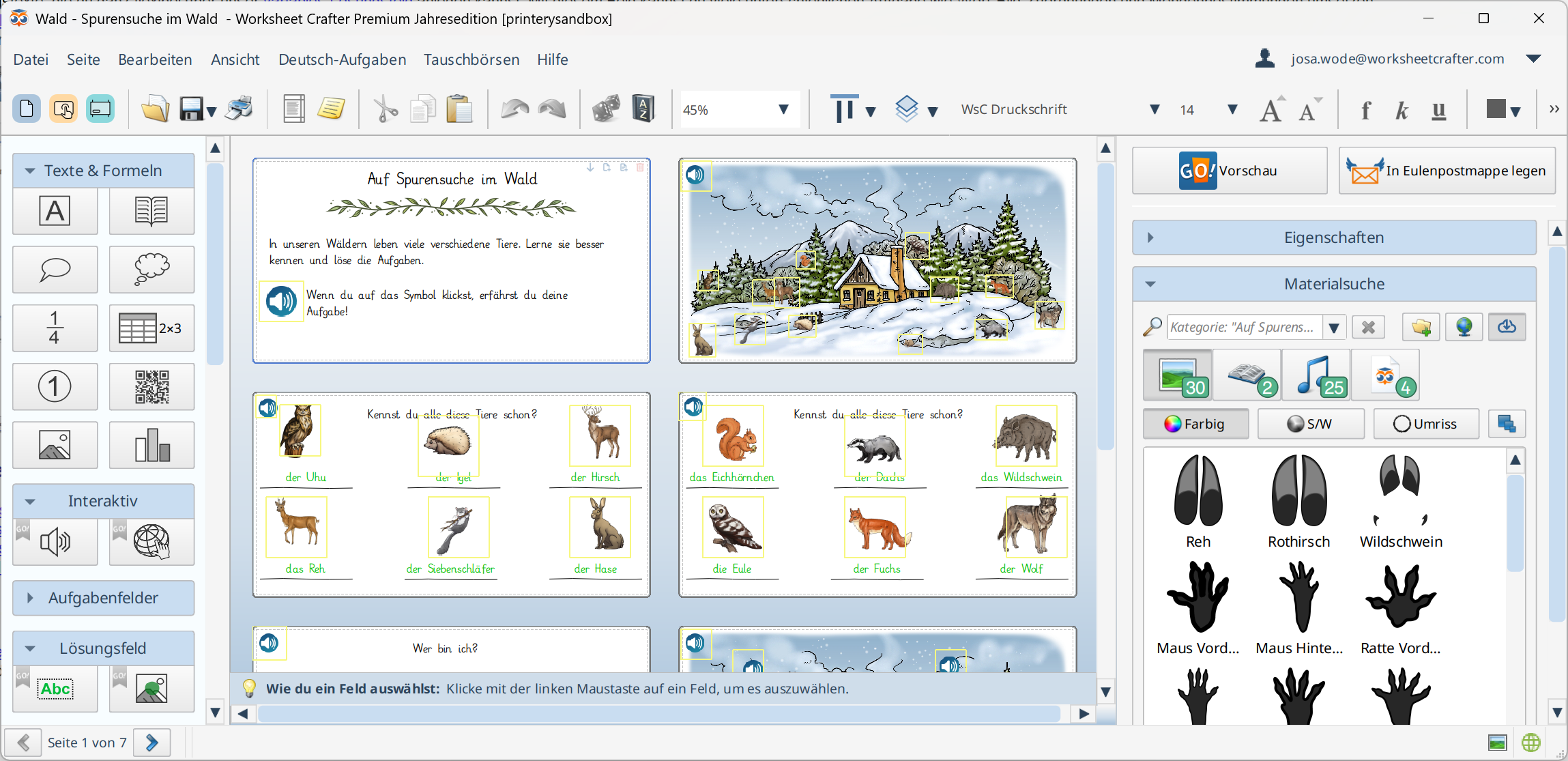
Digital worksheets are created directly in Worksheet Crafter. They can be solved interactively by your students with the app Worksheet Go!.
To begin a new digital worksheet, select it on creation (e.g. via the File menu entry New) or change the type later in the Page Settings (this usually requires reordering the items on the pages).
Create the Worksheet
Now you edit your worksheet as usual. Currently Worksheet Go! supports the following:
•All math exercise items with active exercise generator, except Time item, Geoboard and Word Problems. For Written Method and Ten/Twenty items there are limitations.
•Text-to-speech for you to define with the Audio Playback Item.
•Single line solution texts that you create with the Solution Item. With this item you can create a lot of different exercises like word-image association and quantitative determination.
•With the Image Solution Item you can use images from the Content Browser as solutions on the worksheet. You can also select wrong solutions for the item.
•Use the Hyperlink Item to create links to websites as tappable areas on the worksheet.
•Sounds can be added from the Content Browser (including self recorded ones) and replayed in the app.
Going Forward
•Test your Boardwork in the Preview
•Add it to your Owl Mail Portfolio and receive a download code and QR code
•Open your Worksheet in Worksheet Go!
•Let your students solve the worksheet
More
•Use the Assistance Settings in Worksheet Go!
•Get feedback about how your students solved their worksheets with the Feedback Channel